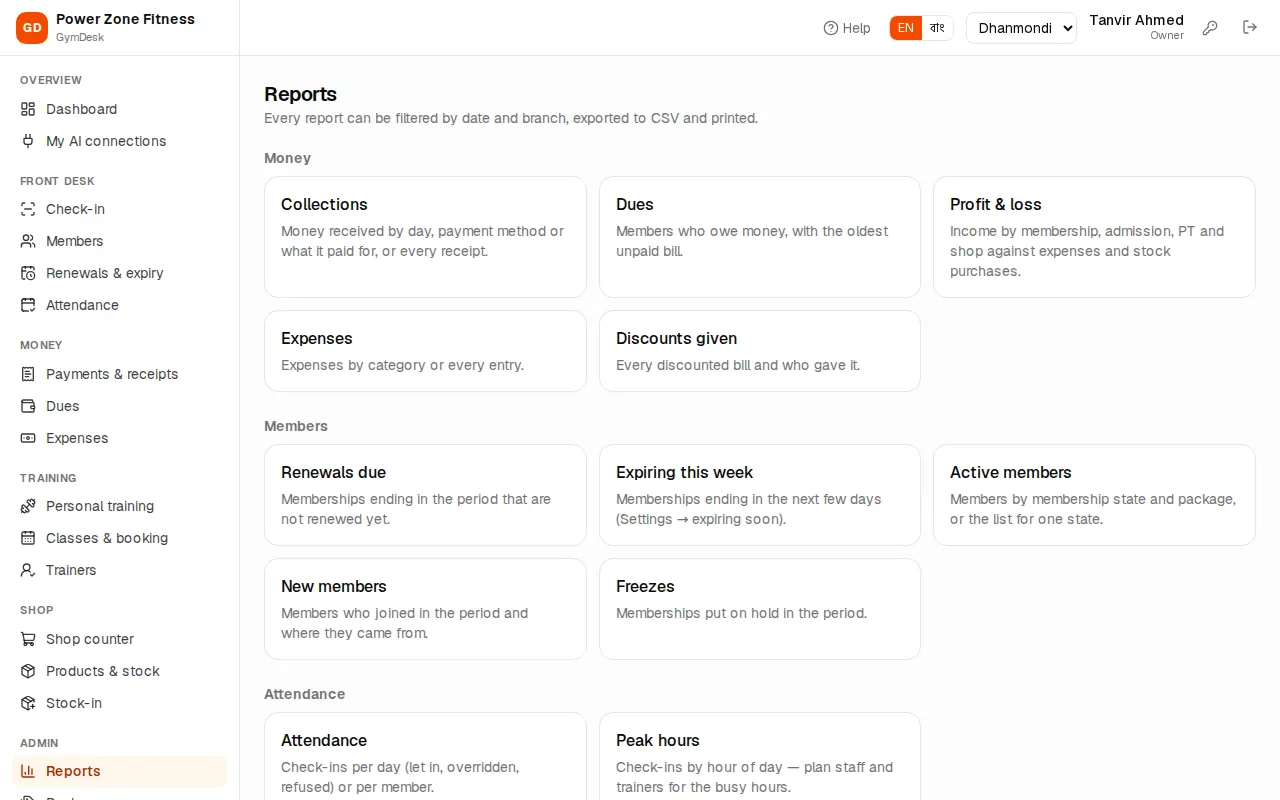
Every report — collections, dues, profit & loss, expenses, discounts, renewals due, expiring, active and new members, freezes, attendance, peak hours, trainer commission, class attendance, shop sales and low stock — with filters, CSV export and printing
Reports (manager and owner): "Every report can be filtered by date and branch, exported to CSV and printed." Reports of modules your licence does not include (for example the shop) are hidden.
Reports
Using a report
Open Reports and click a report.
Set the dates (reports without dates show the state "as of" today).
Pick the branch, or All branches (users tied to one branch see only theirs).
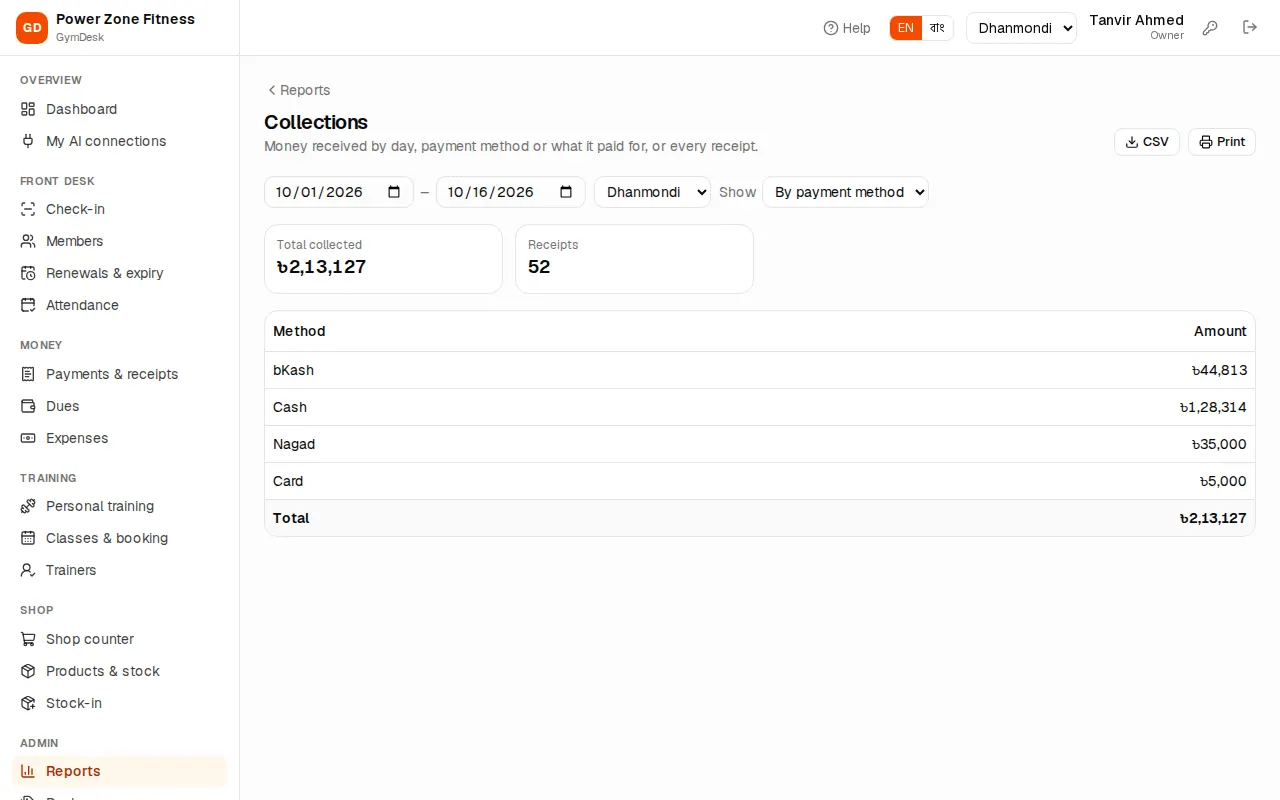
Some reports have a Show choice — for example By day, By payment method, By what it paid for or Every receipt.
Read the table; the last row has the totals.
Collections report
CSV downloads the same table for Excel or Google Sheets (Bangla opens correctly).
Print prints it with the gym's name, the filters and "Printed (date) by (name)" — or save as PDF.
Money
Report
What it shows
Collections
Money received by day, payment method or what it paid for (membership, admission, PT, shop, other), or every receipt
Dues
Members who owe money, with the oldest unpaid bill
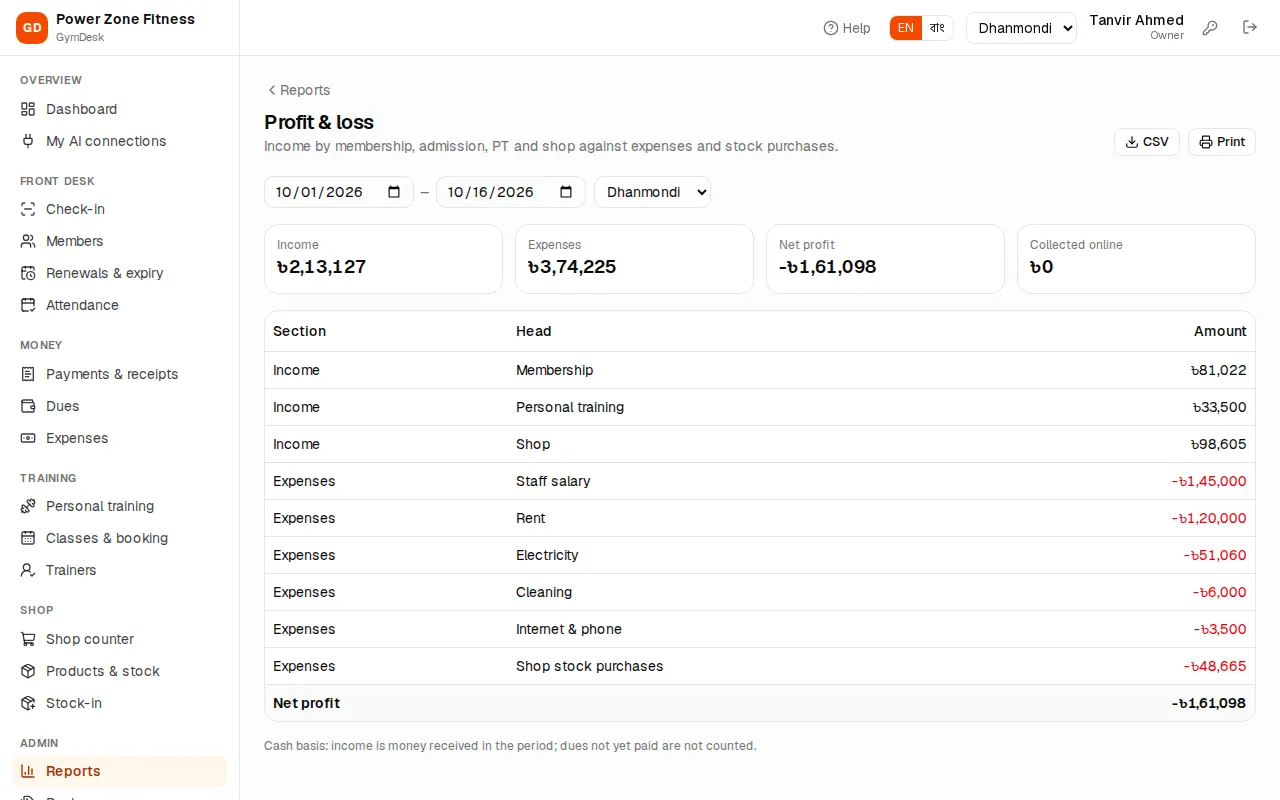
Profit & loss
Income by membership, admission, PT and shop against expenses and stock purchases
Expenses
Expenses by category or every entry
Discounts given
Every discounted bill and who gave it
Profit and loss
Members
Report
What it shows
Renewals due
Memberships ending in the period that are not renewed yet
Expiring this week
Memberships ending in the next few days (Settings → expiring soon)
Active members
Members by membership state and package (Summary), or the list for one state: active, expiring soon, in grace, frozen, expired, no membership
New members
Members who joined in the period and where they came from ("How did they find us?")
Freezes
Memberships put on hold in the period
Attendance
Report
What it shows
Attendance
Check-ins per day (let in, overridden, refused) or per member
Peak hours
Check-ins by hour of day — plan staff and trainers for the busy hours
Training and shop
Report
What it shows
Trainer commission
PT sessions and commission per trainer, or every session
Class attendance
Bookings, attendance, no-shows and waitlists per class